
10 Smart Ways to Protect Your Personal Information Online
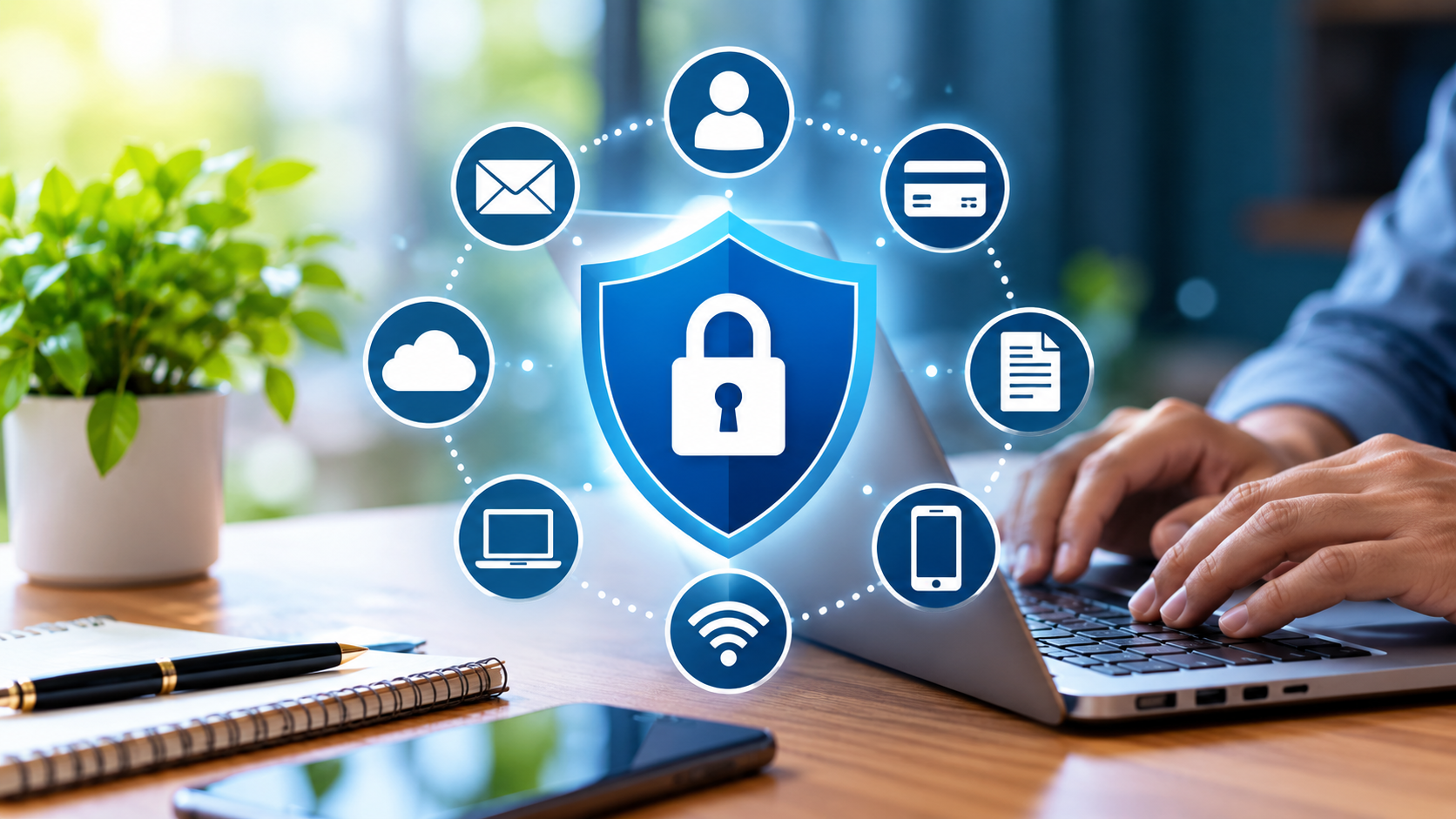
Every day, we share personal information online when we browse websites, create accounts, shop, use social media, or communicate with others. Knowing how to protect personal information online is therefore an important part of staying safe in today’s connected world.
From passwords and email addresses to financial information and personal photos, much of our information can become a target for scammers and cybercriminals. Fortunately, you don’t need to be a cybersecurity expert to improve your online safety.
In this guide, we’ll look at 10 practical ways to protect your personal information online, reduce common security risks, and develop safer digital habits.
Why Your Personal Information Matters
Personal information includes much more than your password.
It can include:
- Your full name
- Email address
- Phone number
- Home or work address
- Date of birth
- Photographs
- Identification documents
- Financial information
- Login credentials
- Location information
- Personal messages
- Information about your family
Criminals can use stolen information for identity theft, financial fraud, phishing attacks, account takeovers, or other scams.
Even information that appears harmless can sometimes be combined with other details to create a surprisingly complete picture of a person.
For example, a public social media profile might reveal your name, workplace, birthday, family members, hometown, and travel plans. Individually these details may seem unimportant. Together, they can provide useful information to someone attempting to impersonate you or gain access to one of your accounts.
That is why online privacy should be treated as an everyday habit rather than something you think about only after a problem occurs.
1. Use Strong and Unique Passwords
One of the simplest ways to improve your online security is to stop using the same password everywhere.
If you use one password for your email, social media, shopping account, and other services, one compromised account can potentially put several other accounts at risk.
A better approach is to use strong, unique passwords for important accounts.
A strong password should generally be:
- Long enough to resist guessing
- Difficult to associate with you personally
- Different from your other passwords
- Free from easily guessed information such as your name or birthday
A reputable password manager can generate and securely store unique passwords for your accounts.
Your email account deserves particular attention because it is often connected to password-reset systems for many other services.
Protecting your primary email account should be one of your highest priorities.
2. Turn On Two-Factor Authentication
A password alone is not always enough.
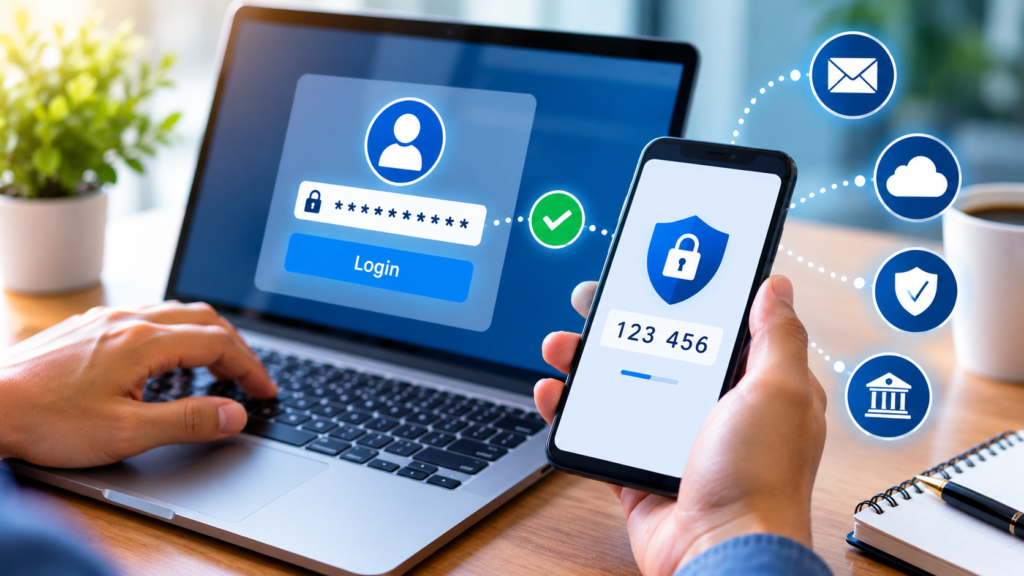
Two-factor authentication, commonly called 2FA, adds another layer of protection to your account.
With 2FA enabled, signing in usually requires two things:
- Something you know, such as your password.
- Something you have or control, such as an authentication code or security key.
This means that even if someone obtains your password, they may still be unable to access your account.
Whenever an important service offers two-factor authentication, consider enabling it.
Pay particular attention to:
- Email accounts
- Banking and financial services
- Social media accounts
- Cloud storage
- Business accounts
- Shopping accounts containing payment information
3. Be Careful About What You Share on Social Media
Social media can make it easy to share personal information without thinking about who might see it.
Before posting something publicly, consider whether the information could be useful to someone you do not know.
For example, avoid unnecessarily publishing:
- Your complete home address
- Personal identification information
- Financial details
- Travel plans while you are away
- Private documents
- Password-related information
Be particularly careful with photographs.
A photograph taken inside your home might accidentally reveal an address, document, computer screen, school name, or other private information in the background.
A simple question can help:
“Would I be comfortable with a stranger knowing this?”
If the answer is no, reconsider posting it publicly.
4. Learn to Recognize Phishing Scams
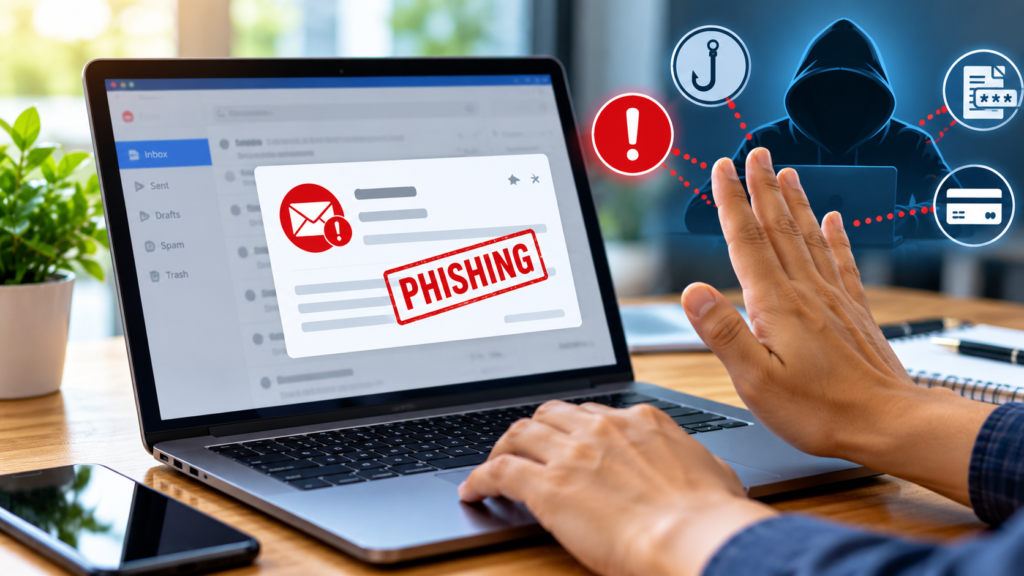
Phishing is one of the most common ways criminals attempt to steal personal information.
A phishing message may appear to come from a legitimate company, bank, delivery service, social media platform, or even someone you know.
The message may ask you to:
- Click a link
- Confirm your account
- Reset your password
- Make a payment
- Download an attachment
- Provide personal information
The message may also create a sense of urgency.
For example:
“Your account will be suspended today unless you verify your information.”
That pressure is intentional. The goal is to make you react before you have time to think.
How to Handle a Suspicious Message
Instead of clicking immediately, stop and examine the message.
Check the sender’s address and consider whether the request makes sense. If you are unsure, visit the company’s official website directly rather than using a link supplied in the message.
A message that creates panic deserves extra caution.
5. Keep Your Devices and Apps Updated
Software updates are not always about adding new features.
Many updates also fix security vulnerabilities that could otherwise be exploited by attackers.
This includes updates for:
- Windows or macOS
- Android and iPhone operating systems
- Web browsers
- WordPress
- Plugins and themes
- Mobile applications
- Security software
Ignoring updates for months can leave known security weaknesses on your devices.
Whenever possible, enable automatic updates for your operating system and important applications.
If you manage a WordPress website, regular updates are particularly important.
6. Be Careful When Using Public Wi-Fi
Public Wi-Fi can be convenient when you are at a café, airport, hotel, shopping center, or other public location.
But you should avoid treating every public network as completely trustworthy.
When connected to an unfamiliar network, be especially cautious about activities involving sensitive information.
Always check that websites handling sensitive information use HTTPS.
Keep your device’s firewall and security protections enabled, and avoid automatically connecting to unknown Wi-Fi networks.
If you frequently work from public locations, consider using a reputable VPN service as an additional privacy measure.
7. Review App and Website Permissions
Many apps ask for access to information or device features such as:
- Location
- Camera
- Microphone
- Contacts
- Photos
- Files
- Notifications
Sometimes the permission is necessary for the app to perform its main function. Sometimes it is not.
Ask Yourself Whether the Permission Is Necessary
Take a few minutes to review permissions on your phone and computer.
Ask yourself:
“Does this app really need access to this information?”
For example, a simple calculator application probably does not need access to your contacts.
You can usually change permissions through your device’s privacy or application settings.
8. Protect Your Email Account
Your email account is one of the most important accounts you own.
Think about how many other services are connected to your email address.
If someone gains control of your email account, they may be able to request password resets for other accounts.
For this reason, your email account should have:
- A unique, strong password
- Two-factor authentication
- Up-to-date recovery information
- A secure recovery email or phone number where appropriate
You should also be careful about suspicious email attachments and links.
I is becoming increasingly useful for website owners and content creators. If you’re interested in using AI with WordPress, see our guide on AI for WordPress.
9. Back Up Your Important Data
Online security is not only about preventing unauthorized access.
It is also about being able to recover when something goes wrong.
Your computer or phone could be lost, stolen, damaged, or infected with malware.
Regular backups can help protect against these situations.
Consider backing up important items such as:
- Family photographs
- Work documents
- Financial records
- Business files
- Website backups
- Important personal documents
Keep More Than One Copy of Important Data
For particularly important information, having more than one backup can provide additional protection.
A backup should ideally be stored separately from the original data.
10. Check Your Online Accounts Regularly
Online security is not a “set it and forget it” task.
Every few months, take some time to review your important accounts.
Look for:
- Unknown login activity
- Devices you do not recognize
- Unusual password-reset emails
- Unexpected account changes
- Apps or services connected to your account
- Old accounts that you no longer use
If you find an old account that you no longer need, consider deleting it.
A Simple Online Privacy Checklist
You don’t have to change everything at once.
Start with this simple checklist.
Account Security
- Use unique passwords for important accounts.
- Enable two-factor authentication.
- Protect your primary email account.
- Review unfamiliar login activity.
Privacy
- Limit personal information shared publicly.
- Review social media privacy settings.
- Check application permissions.
- Remove access for apps you no longer use.
Device Security
- Keep your operating system updated.
- Update your browser and applications.
- Use reputable security software where appropriate.
- Keep important files backed up.
Online Habits
- Think before clicking unexpected links.
- Be cautious with attachments.
- Verify suspicious messages independently.
- Avoid sharing sensitive information unnecessarily.
What Should You Do If You Think Your Information Has Been Compromised?
If you believe someone has gained unauthorized access to one of your accounts, don’t ignore the warning signs.
Start by changing the affected password from a trusted device.
Then enable two-factor authentication if it is available and review recent account activity.
If the account is connected to other services, check those accounts as well.
For financial accounts, contact the relevant bank or financial institution through its official contact channels.
You should also be suspicious of follow-up messages.
Most importantly, do not panic and do not respond to suspicious messages using the contact information provided in them. Go directly to the official website or application instead.Final Thoughts
Final Thoughts
Protecting your personal information online does not require complicated technology.
In many cases, the biggest improvement comes from a handful of simple habits: using unique passwords, enabling two-factor authentication, recognizing phishing attempts, keeping software updated, limiting what you share publicly, and maintaining reliable backups.
The internet will continue to become an increasingly important part of our personal and professional lives. That makes online privacy and security something worth taking seriously.
You don’t need to make every change today.
Start with your most important accounts, especially your email account. Then gradually work through the rest of your devices and online services.
A few minutes spent improving your online security today can save you a great deal of trouble later.
Frequently Asked Questions (faq)
What is the easiest way to protect personal information online?
Start by using strong, unique passwords and enabling two-factor authentication on your most important accounts. These two steps can significantly improve account security.
Should I use the same password for multiple websites?
It is better not to. If one service suffers a data breach and your password is exposed, attackers may try the same password on other websites.
Is two-factor authentication really necessary?
Yes, it provides an additional layer of protection beyond your password. When available, it is a useful security feature for important accounts.
Is public Wi-Fi safe?
Public Wi-Fi can be useful, but you should be cautious when using unfamiliar networks, particularly when handling sensitive information.
How often should I check my online accounts?
There is no universal schedule, but reviewing important accounts every few months is a sensible habit.
Can deleting an old account improve my privacy?
It can. An unused account may still contain personal information. If you no longer need a service, consider deleting the account according to the provider’s procedures.