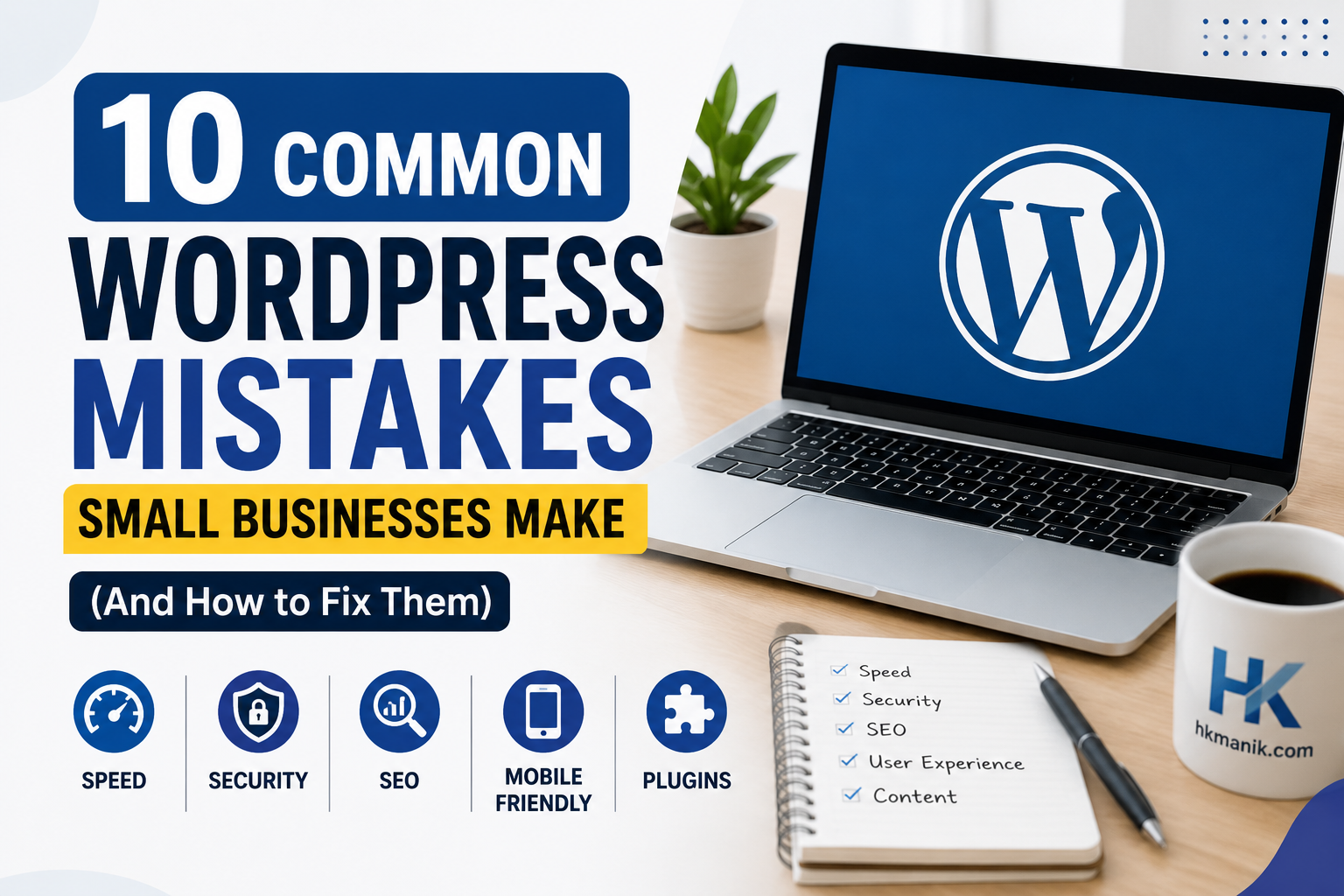
10 Common WordPress Mistakes Small Businesses Make
10 Common WordPress Mistakes Small Businesses Make (And How to Fix Them)
Running a WordPress website is easier than ever today. However, many small business owners unknowingly make mistakes that hurt their website performance, Google ranking, security, and customer experience.
Many small business websites suffer because of common WordPress mistakes that hurt performance, SEO, and user experience.
Over the years, I’ve worked with several businesses that had attractive websites but struggled with slow loading speed, poor SEO rankings, weak conversions, and security issues. In most cases, the problems came from a few common WordPress mistakes.
In this guide, I’ll explain the most common WordPress website mistakes and how you can fix them to build a faster, safer, and more professional website.
1. Choosing Cheap or Poor-Quality Hosting
One of the biggest mistakes small businesses make is selecting the cheapest hosting without considering performance and reliability.
Poor hosting can cause:
- Slow loading speed
- Frequent downtime
- Security vulnerabilities
- Poor SEO performance
How to Fix It
Choose a reliable hosting provider that offers:
- Fast SSD storage
- Free SSL certificate
- Daily backup
- Good customer support
- Strong uptime guarantee
A good hosting environment improves both user experience and Google ranking.
2. Ignoring Website Speed Optimization
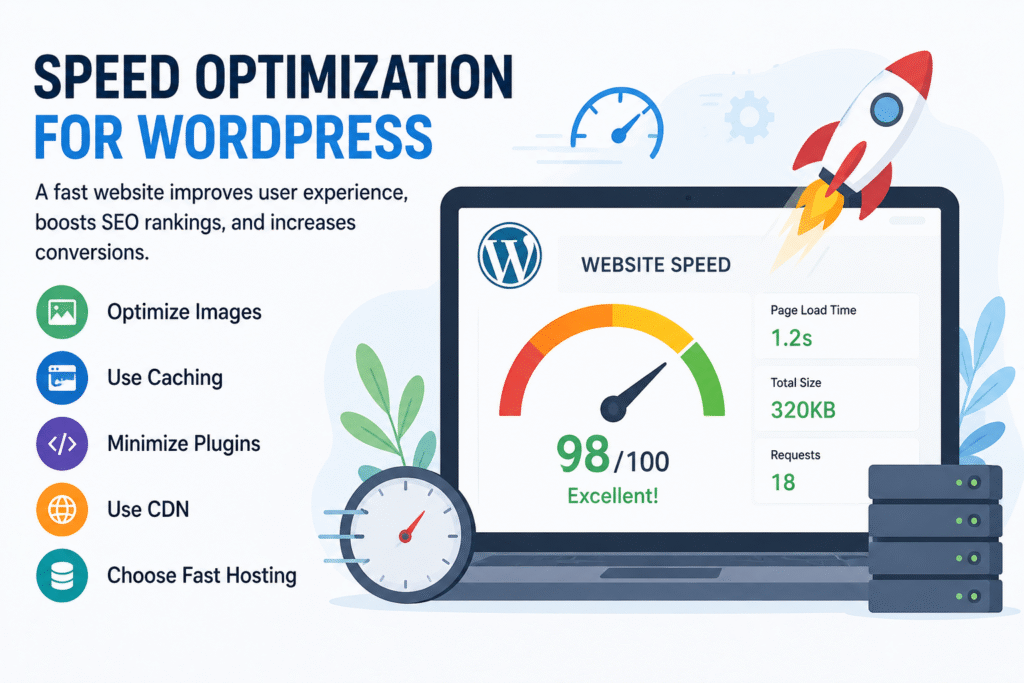
Many WordPress websites become slow because of heavy themes, large images, and unnecessary plugins.
A slow website can increase bounce rate and reduce conversions.
How to Fix It
Improve website speed by:
- Compressing images
- Using caching plugins
- Choosing lightweight themes
- Minimizing unnecessary plugins
- Using CDN services if needed
Website speed is also an important Google ranking factor.
3. Installing Too Many Plugins: A Common WordPress Mistake
Plugins are useful, but installing too many can slow down your website and create compatibility issues.
Some website owners install multiple plugins for the same purpose, which creates unnecessary load.
- Keep only essential plugins
- Remove unused plugins
- Update plugins regularly
- Use trusted plugin developers
Quality matters more than quantity.
4. Not Using SEO Best Practices
Many business websites are visually attractive but poorly optimized for search engines.
Without proper SEO, customers may never find your website on Google.
How to Fix It
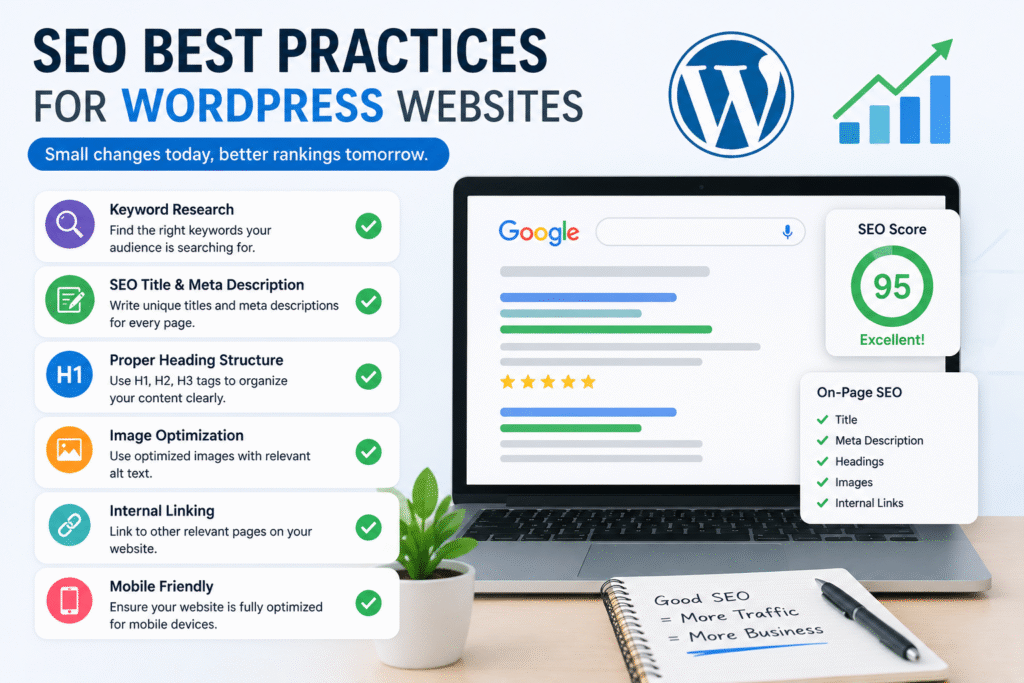
Use proper:
- SEO titles
- Meta descriptions
- Heading structure
- Common WordPress mistakes
- Image alt text
- Internal linking
- Mobile optimization
SEO plugins like Rank Math or Yoast SEO can help improve optimization.
5. Using Large Unoptimized Images
High-quality images are important, but oversized images can seriously slow down your website.
How to Fix It
Before uploading:
- Compress images
- Resize images properly
- Use WebP format if possible
- Add SEO-friendly alt text
Optimized images improve both speed and SEO.
6. Ignoring Mobile Responsiveness
Today, most visitors browse websites from mobile devices. A website that looks bad on mobile can lose visitors quickly.
How to Fix It
Make sure your website:
- Works well on all screen sizes
- Has readable fonts
- Common WordPress mistakes
- Uses mobile-friendly menus
- Loads quickly on mobile devices
Mobile responsiveness directly affects Google ranking.
7. Weak Website Security
Many small business websites get hacked because of weak passwords, outdated plugins, or missing security measures.
How to Fix It
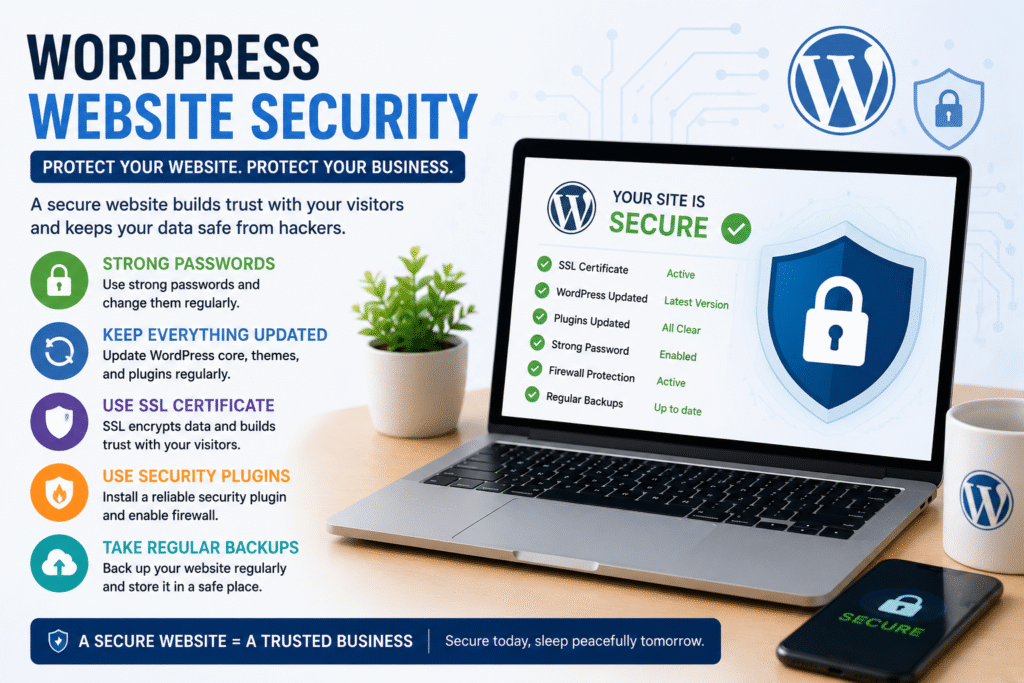
Improve WordPress security by:
- Using strong passwords
- Enabling SSL
- Common WordPress mistakes
- Updating themes and plugins
- Installing security plugins
- Using two-factor authentication
A secure website protects both your business and customers.
8. Not Updating WordPress Regularly
Ignoring updates can create security risks and compatibility problems.
How to Fix It
Regularly update:
- WordPress core
- Themes
- Plugins
Always take backups before major updates.
9. Poor Website Navigation
Visitors should easily find information on your website. Confusing navigation can increase bounce rate.
How to Fix It
Create:
- Clear menus
- Simple layout
- Organized pages
- Proper internal linking
A user-friendly website keeps visitors engaged longer.
10. Not Creating Valuable Content
Some business websites focus only on services without publishing helpful content.
This limits SEO growth and reduces organic traffic opportunities.
How to Fix It
Publish useful blog posts related to:
- Your industry
- Customer problems
- Tutorials
- Tips and guides
Helpful content builds trust and improves search visibility.
Why Avoiding These WordPress Mistakes Matters
Fixing common WordPress mistakes can help:
- Improve Google ranking
- Increase website speed
- Generate more leads
- Build customer trust
- Common WordPress mistakes
- Improve mobile experience
- Strengthen website security
A well-optimized website supports long-term business growth.
Final Thoughts
WordPress is one of the best platforms for small business websites, but avoiding common mistakes is essential for success.
By improving website speed, SEO, mobile responsiveness, security, and content quality, businesses can create websites that not only look professional but also perform effectively on Google.
Avoiding these common WordPress mistakes can help you build a faster, safer, and more professional website.
If you want a professional SEO-friendly WordPress website for your business, investing in proper optimization and user experience can make a huge difference. Common WordPress mistakes
Yes — adding an FAQ section is highly recommended.
It helps with:
- Better SEO
- More keyword relevance
- Longer visitor engagement
- Better AdSense quality signals
- Chance for Google rich results/snippets
Add this near the end of the article before “Final Thoughts”.
Frequently Asked Questions (FAQs)
What are the most common WordPress mistakes?
Some of the most common WordPress mistakes include using poor hosting, installing too many plugins, ignoring SEO optimization, using large images, and not updating WordPress regularly.
Does website speed affect SEO rankings?
Yes. Website speed is an important Google ranking factor. Slow-loading websites can increase bounce rate and negatively affect user experience and search rankings.
How many plugins should I use in WordPress?
There is no exact limit, but it is best to use only necessary and trusted plugins. Too many plugins can slow down your website and create compatibility issues.
Why is mobile optimization important for WordPress websites?
Most users browse websites using mobile devices. A mobile-friendly website improves user experience, SEO rankings, and conversion rates.
How can I improve WordPress website security?
You can improve WordPress security by:
- Using strong passwords
- Updating plugins regularly
- Installing SSL certificates
- Using security plugins
- Common WordPress mistakes
- Creating regular backups
Which SEO plugin is best for WordPress?
Popular SEO plugins include:
- Rank Math
- Yoast SEO
- All in One SEO
These plugins help optimize titles, meta descriptions, schema, and XML sitemaps.
Can WordPress websites rank on Google?
Yes. WordPress is one of the best SEO-friendly platforms available today. Proper optimization, quality content, and good user experience can help WordPress websites rank well on Google.
According to WordPress.org, WordPress powers millions of websites worldwide.
Visit my WordPress development portfolio.
You can also read my previous guide on SEO-friendly WordPress websites for small businesses.
Learn more about my WordPress development services and portfolio projects.