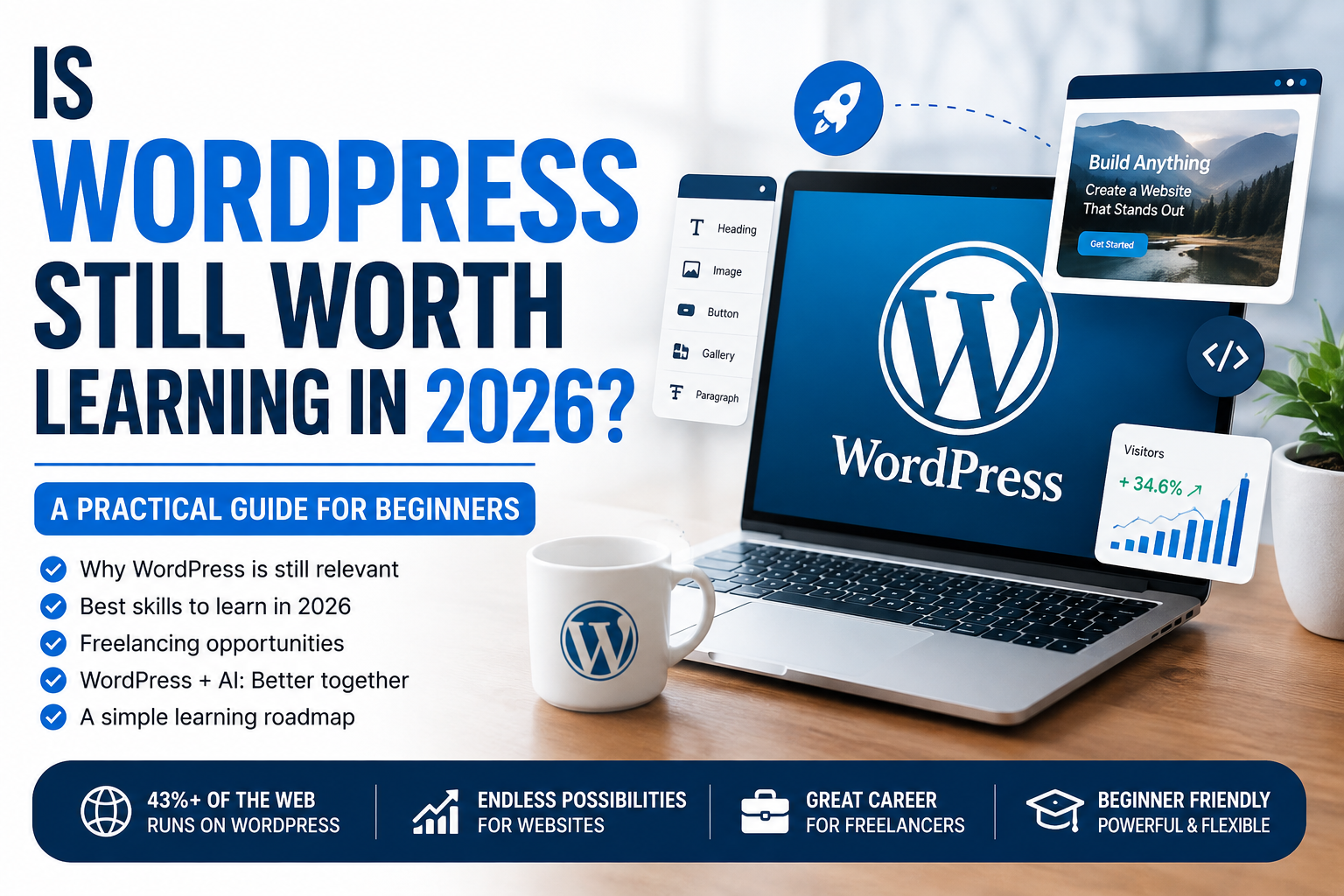
Is WordPress Still Worth Learning in 2026? A Practical Guide for Beginners
Is WordPress Still Worth Learning in 2026? A Practical Guide for Beginners
If you are thinking about learning WordPress in 2026, you may be wondering whether it is still a valuable skill.
With AI tools, no-code website builders, and increasingly automated web-development platforms becoming more capable, it is a reasonable question. Why spend months learning WordPress if AI can create a website in minutes?
The answer is simple: WordPress is still worth learning in 2026—but you should learn it differently than before.
You don’t need to become a professional programmer to start building websites. Instead, learn how WordPress works, understand website design, become comfortable with themes and plugins, learn basic HTML and CSS, and develop the ability to solve real website problems.
For beginners and freelancers, that combination can still be valuable.
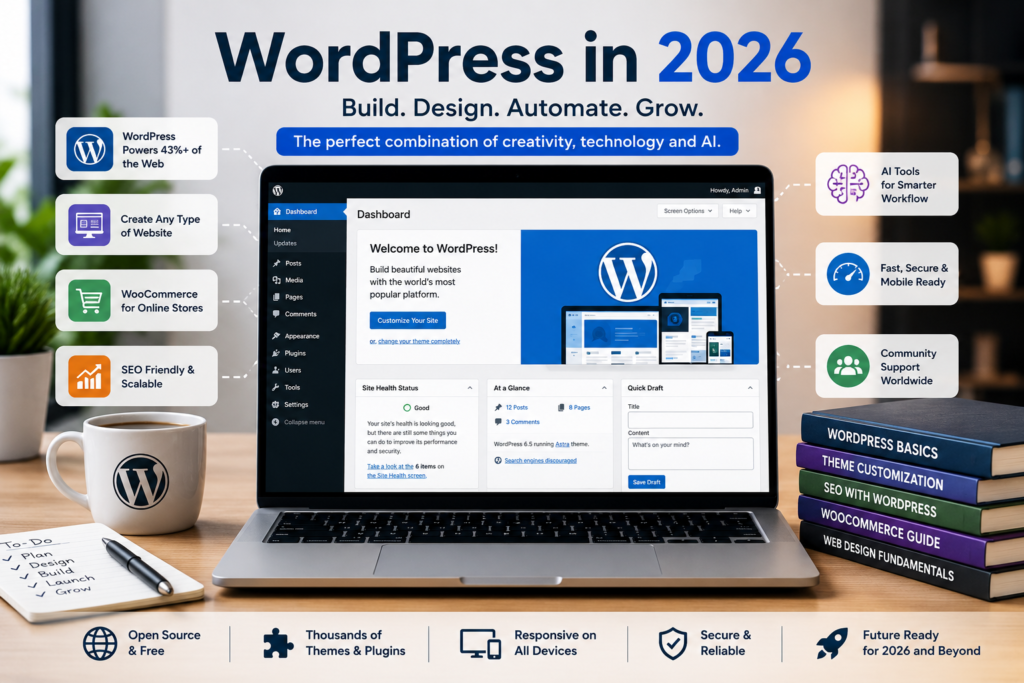
Is WordPress Still Relevant in 2026?
Yes.
If you’re wondering whether WordPress is worth learning in 2026, the platform continues to offer opportunities for beginners, freelancers and website owners.
WordPress remains one of the most widely used content management systems on the web. According to W3Techs, WordPress powers a large share of websites worldwide, making its ecosystem significantly larger than most competing content management systems.
That large ecosystem matters.
There are millions of websites that already use WordPress, and those websites need ongoing:
- Design improvements
- Content updates
- Security updates
- Performance optimization
- SEO
- WooCommerce support
- Troubleshooting
- Maintenance
- Redesigns
So learning WordPress isn’t only about building new websites. It can also give you skills for working with existing websites.
Why Should You Learn WordPress in 2026?
1. You Can Build Websites Without Starting From Scratch
One of WordPress’s biggest advantages is its flexibility.
You can start with a theme and customize it rather than coding an entire website from zero.
You can also use the WordPress Block Editor, themes, plugins, and visual design tools to create different types of websites.
This makes WordPress approachable for beginners while still offering room to develop more advanced skills.
WordPress also provides free learning resources through Learn WordPress, covering everything from beginner fundamentals to more advanced development.
2. WordPress Has a Huge Ecosystem
WordPress isn’t just one piece of software.
Its ecosystem includes:
- Themes
- Plugins
- WooCommerce
- Page builders
- Block libraries
- SEO tools
- Security tools
- Hosting providers
- Development frameworks
- Learning resources
This means there are many different directions you can take after learning the basics.
3. Businesses Still Need Websites
Small businesses, professionals and organizations continue to need websites.
A business may need a website for:
- Presenting its services
- Generating leads
- Selling products
- Publishing information
- Building credibility
- Getting found through search engines
Even businesses that already have websites may eventually need redesigns, updates or technical support.
That creates opportunities for people who know how to work with WordPress.
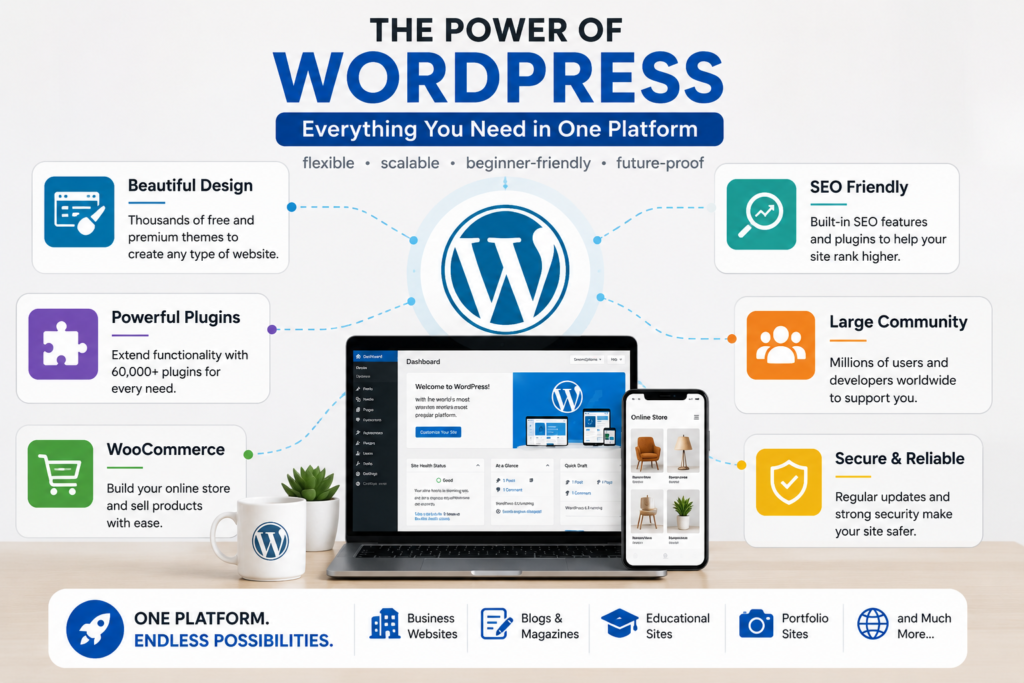
Is WordPress Good for Freelancing?
Yes, but simply knowing how to install WordPress isn’t enough.
Clients aren’t really paying you because you know where the WordPress installation button is.
They’re paying you to solve a problem.
For example, a client might need:
- A professional business website
- A responsive landing page
- A WooCommerce store
- A website redesign
- A faster website
- SEO improvements
- Plugin configuration
- Mobile responsiveness fixes
- Website maintenance
A freelancer who can understand the client’s requirements and deliver a complete solution is much more valuable than someone who only knows how to install a theme.
That’s why your goal should be to become a WordPress problem solver, not just a WordPress user.
If you want to offer WordPress website development as a freelance service, building a strong portfolio is one of the best ways to demonstrate your skills.
If you’re wondering whether WordPress is worth learning in 2026 for freelance work, the answer depends on how seriously you develop your skills and how well you can solve clients’ problems.
Do You Need Coding Skills?
Not to get started.
You can build many websites using WordPress’s visual tools without writing advanced code.
However, I strongly recommend learning basic:
- HTML
- CSS
- JavaScript
- PHP
You don’t need to master all of them immediately.
Start With HTML and CSS
HTML helps you understand the structure of a webpage.
CSS helps you control:
- Colors
- Fonts
- Spacing
- Borders
- Layouts
- Responsive behavior
Even basic CSS knowledge can save you a lot of time when a visual builder doesn’t provide exactly the design you want.
JavaScript and PHP can come later as you become more advanced.
What Should a Beginner Learn First?
Don’t try to learn everything at once.
A practical learning sequence is:
Step 1: WordPress Fundamentals
Learn:
- Dashboard
- Posts and pages
- Media library
- Menus
- Themes
- Plugins
- Users
- Settings
You should be comfortable managing a normal WordPress website before moving into advanced customization.
Learning the WordPress Block Editor is also important because blocks are now a central part of creating content and layouts in modern WordPress.
Step 2: Website Design
Learn how to create:
- Headers
- Footers
- Navigation
- Hero sections
- Service sections
- Contact sections
- Blog layouts
- Responsive designs
Pay particular attention to mobile layouts.
A website that looks great on a desktop but breaks on a smartphone is not a successful website.
Step 3: Learn One Main Design Tool
You might choose Gutenberg, Elementor, Kadence, or another established WordPress design system.
Don’t try to master five different builders simultaneously.
Pick one and become good at it.
Once you understand the principles of website design, learning another builder becomes much easier.
Step 4: Learn Basic SEO
A WordPress freelancer doesn’t need to be an SEO expert, but basic SEO knowledge is extremely useful.
Understand:
- SEO titles
- Meta descriptions
- Headings
- Internal links
- Image alt text
- URLs
- XML sitemaps
- Search Console
- Search intent
This allows you to build websites that are better prepared for search engines.
A basic understanding of WordPress SEO can help you build websites that are better prepared for search engines.
Step 5: Learn Website Performance and Security
Learn the basics of:
- Image optimization
- Caching
- Plugin management
- Backups
- SSL/HTTPS
- Updates
- User permissions
These skills become particularly important when working with client websites.
Should You Learn WooCommerce?
If you want to build online stores, yes.
WooCommerce can turn WordPress into a full e-commerce platform.
You can learn how to manage:
- Products
- Categories
- Product variations
- Shopping carts
- Checkout
- Payments
- Shipping
- Orders
- Customer accounts
E-commerce knowledge can also expand the types of projects you can offer as a freelancer.
You don’t have to learn WooCommerce immediately, though. Get comfortable with WordPress first and then move into e-commerce.
What About AI?
AI is probably the biggest reason some people question whether learning WordPress is still worthwhile.
AI can now help create:
- Website copy
- Images
- CSS
- Code
- Layout ideas
- SEO suggestions
- Product descriptions
- Troubleshooting suggestions
But AI doesn’t eliminate the need to understand WordPress.
In fact, the better you understand WordPress, the more useful AI becomes.
Suppose AI gives you a piece of CSS.
If you understand CSS, you can evaluate it, modify it and test it.
If you don’t understand CSS, you may simply paste it into your website and hope it works.
The same applies to PHP, JavaScript, plugins and website configurations.
The Better Approach
Don’t think:
AI versus WordPress.
Think:
WordPress + AI
Use AI to accelerate your work while keeping your own understanding and judgment.
What Skills Will Make You a Better WordPress Freelancer?
Learning WordPress itself is only the beginning.
Try to develop these additional skills:
Responsive Design
Understand how websites behave on different screen sizes.
Problem Solving
Learn how to investigate why something isn’t working instead of immediately replacing everything.
Communication
Clients need someone who understands their requirements and explains technical issues clearly.
SEO Basics
Know how to structure pages so they are search-engine friendly.
Performance
Learn why websites become slow and how to improve them.
Security
Understand basic WordPress security and backup practices.
Client Management
Learn how to discuss requirements, deadlines, revisions and maintenance.
These skills can make a major difference in freelancing.
How Should You Practice WordPress?
The best way to learn WordPress is to build real websites.
Instead of watching tutorial after tutorial, create projects.
For example:
Project 1: Portfolio Website
Build a personal portfolio with:
- Home
- About
- Services
- Portfolio
- Blog
- Contact
Project 2: Business Website
Create a fictional website for a restaurant, hardware store, travel company or local business.
Project 3: Online Store
Build a WooCommerce store and practice products, categories, checkout and shipping.
Project 4: Website Redesign
Find an old-looking website and redesign its layout.
This teaches you to think about user experience rather than simply following a tutorial.
Project 5: Troubleshooting
Practice fixing problems such as:
- Incorrect spacing
- Mobile layout issues
- Broken menus
- Plugin conflicts
- CSS problems
- Slow pages
These are the types of problems clients may actually pay you to solve.
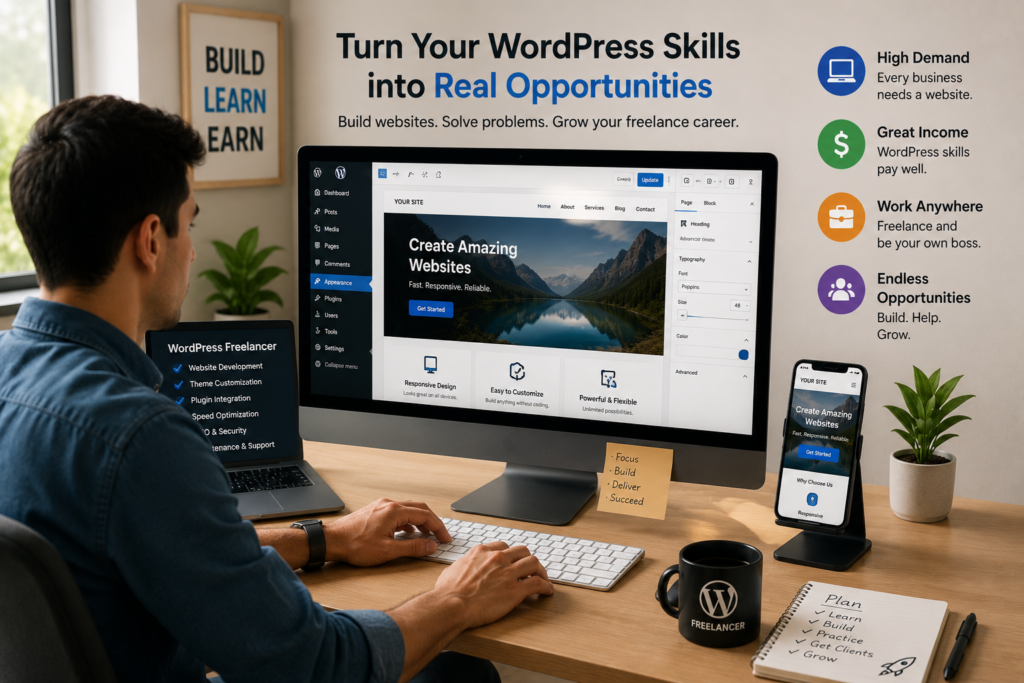
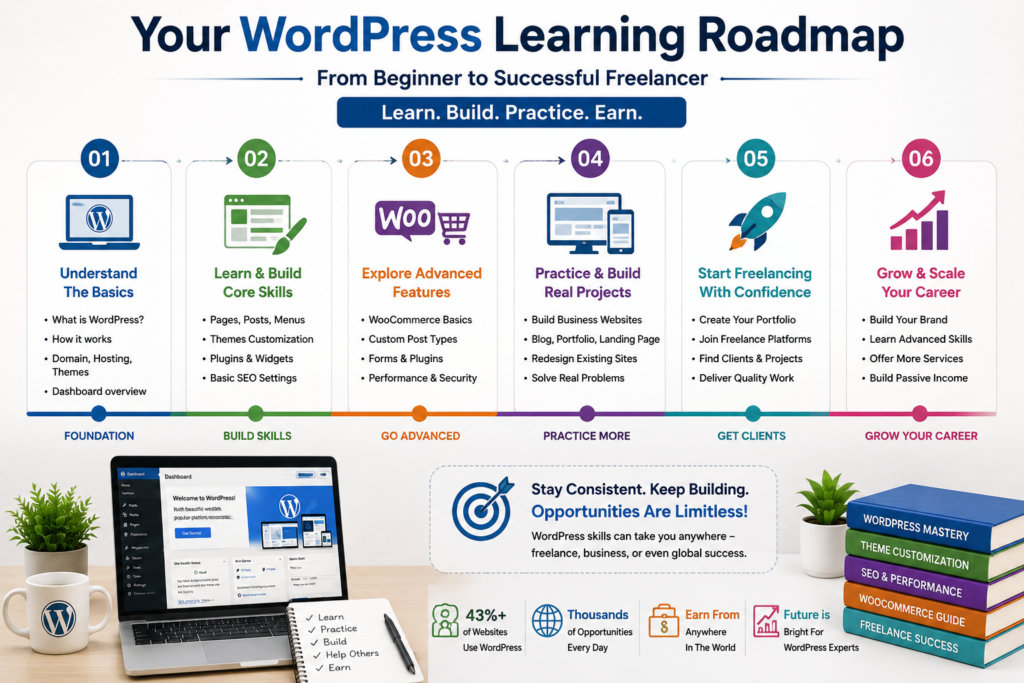
A Simple WordPress Learning Roadmap for 2026
If you are starting your WordPress journey, you can follow this general roadmap:
Month 1: Learn WordPress fundamentals and build simple pages.
Months 2–3: Focus on website design, responsive layouts, themes, plugins and basic CSS.
Months 3–4: Learn SEO, performance, security and website maintenance.
Months 4–6: Explore WooCommerce, advanced customization and troubleshooting.
After that: Start learning more advanced HTML, CSS, JavaScript, PHP and WordPress development if you want to go deeper.
The timeline isn’t fixed. Some people will progress faster, while others will need more practice.
The important thing is to keep building.
What Should You Avoid When Learning WordPress?
Don’t Install Every Plugin You Find
More plugins don’t automatically make a better website.
Install only what you actually need and use reputable plugins.
Don’t Ignore Mobile Design
Always test your website on phones and tablets.
Don’t Depend Entirely on Page Builders
Visual builders are useful, but understanding the underlying HTML and CSS will make you much more capable.
Don’t Copy Tutorials Forever
After following a tutorial, try building something similar without it.
That’s when you start developing real skills.
Don’t Depend Completely on AI
Use AI as an assistant, not as a replacement for understanding.
Is WordPress Still Worth Learning for Freelancers?
For someone interested in freelance web design, yes.
But don’t market yourself simply as:
“I know WordPress.”
That’s too broad.
Instead, develop a specific service.
For example:
- WordPress website design
- Business website development
- WooCommerce store development
- WordPress website redesign
- WordPress maintenance
- WordPress speed optimization
As your skills improve, you can specialize further.
The goal is to become someone who can take a client’s requirement and turn it into a working, professional website.
Frequently Asked Questions (FAQ)
Is WordPress still worth learning in 2026?
Yes. WordPress remains one of the most widely used website platforms and has a large ecosystem of themes, plugins, developers and businesses.
Can I learn WordPress without coding?
Yes. You can build many websites without advanced programming knowledge. However, basic HTML and CSS can significantly improve your ability to customize and troubleshoot websites.
How long does it take to learn WordPress?
You can learn the fundamentals relatively quickly, but becoming proficient requires continued practice and real projects.
How long does it take to learn WordPress?
You can learn the fundamentals relatively quickly, but becoming proficient requires continued practice and real projects.
Will AI replace WordPress freelancers?
AI will change the way freelancers work, but it does not eliminate the need for people who can understand requirements, make design decisions, troubleshoot websites and deliver complete solutions.
Should I learn Elementor or Gutenberg?
Start by understanding WordPress fundamentals. Then choose one primary design system and become proficient with it. You can learn additional tools later.
Is WooCommerce worth learning?
Yes, if you want to work with online stores. WooCommerce adds valuable e-commerce skills to your WordPress toolkit.
Do I need PHP to become a WordPress freelancer?
Not necessarily. You can provide many WordPress services without PHP. However, learning PHP later can open the door to more advanced WordPress development.
Final Thoughts
Is WordPress still worth learning in 2026? Absolutely.
But don’t learn WordPress simply to say that you know how to create a website.
Learn how to design, customize, optimize, troubleshoot and maintain websites.
Start with the fundamentals. Learn one design workflow well. Develop basic HTML and CSS skills. Understand SEO, performance and security. Explore WooCommerce if e-commerce interests you. Use AI to accelerate your learning rather than replace it.
Most importantly, build real websites.
The people who succeed with WordPress in 2026 won’t necessarily be those who know every feature. They will be the people who can understand a client’s problem, choose the right tools, create a professional website and solve issues when something goes wrong.
So, is WordPress worth learning in 2026? Absolutely.
If you’re willing to keep practicing, WordPress remains a practical and valuable skill to learn in 2026.