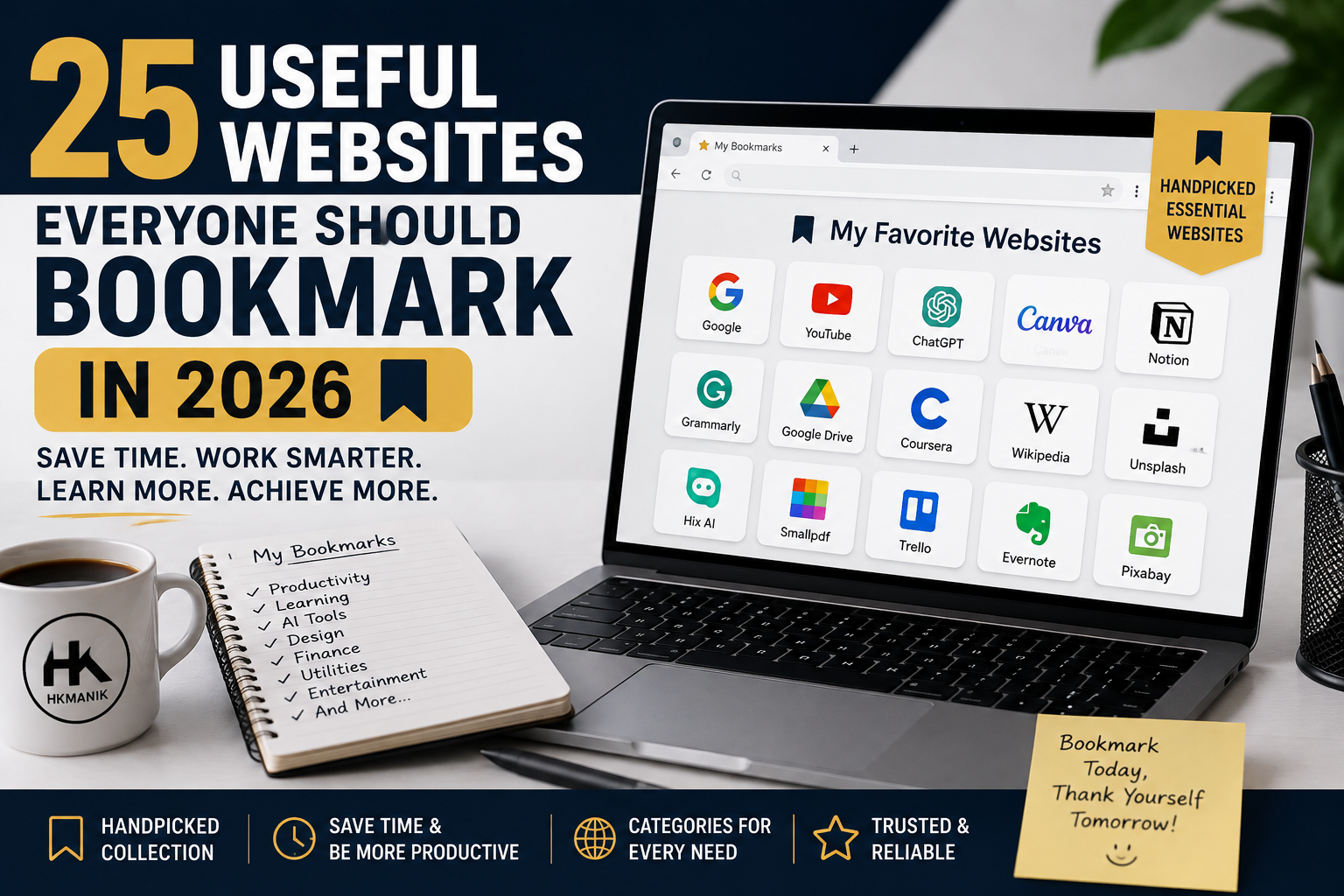
25 Useful Websites Everyone Should Bookmark in 2026
Introduction
The internet has billions of websites, but how many of them do you actually use?
Most of us repeatedly search for the same things: writing something, editing a photo, converting a PDF, learning a new skill, creating a design, sending a large file, checking information, or finding a useful online tool.
The good news is that you don’t need expensive software for many of these tasks. There are websites that can do surprisingly useful things directly from your browser.
In this article, we’ve selected 25 useful websites worth bookmarking in 2026, covering AI, productivity, design, education, documents, research, communication, security and everyday tasks. Many offer free access or useful free plans, although some also have paid features.
WordPress is still worth learning in 2026!
Why Bookmark Useful Websites?
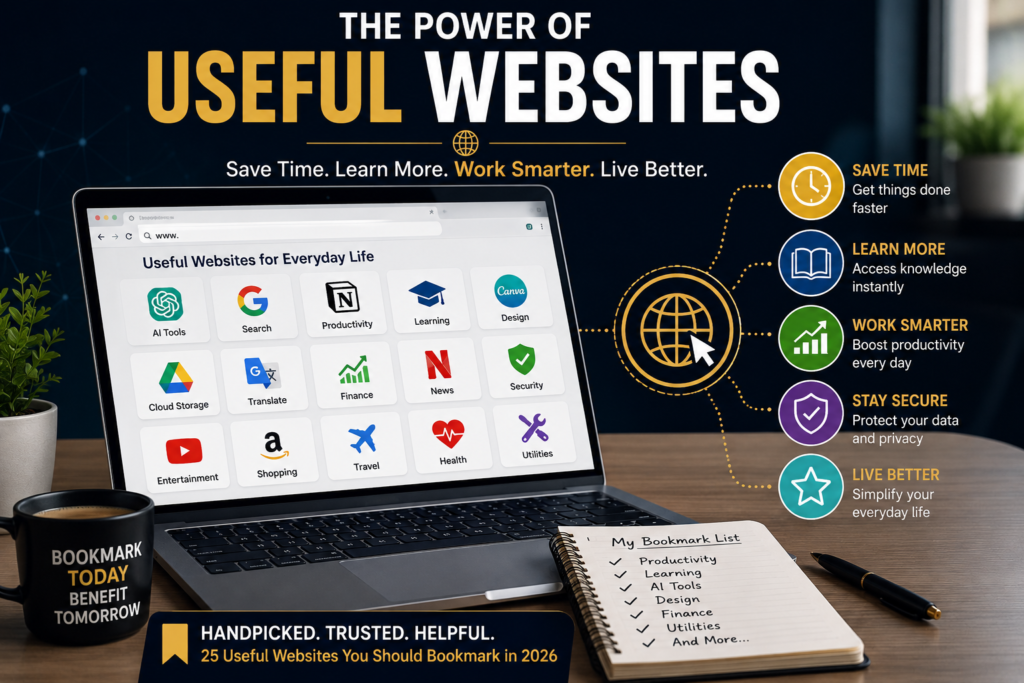
Bookmarking websites may sound old-fashioned in the age of AI, but it can still save time.
Instead of searching Google for the same tool every time you need it, you can keep the websites you actually use in your browser.
A good collection of bookmarks can become your personal digital toolbox.
The websites below aren’t ranked from best to worst. They are organized according to the type of task you might want to accomplish.
AI and Smart Tools
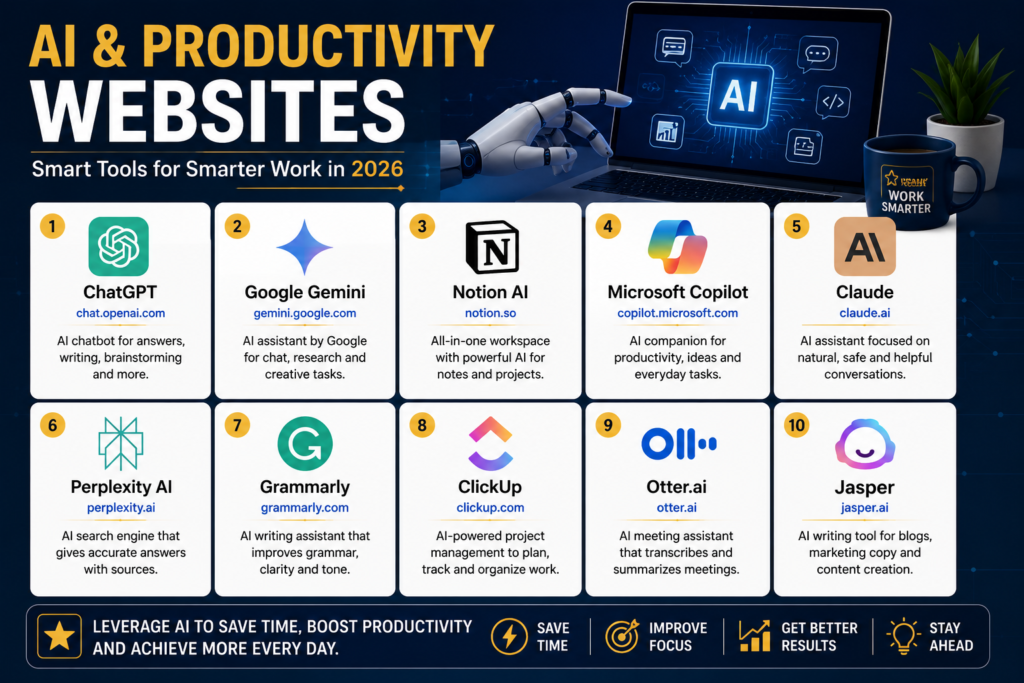
1. ChatGPT
Best for: Writing, brainstorming, learning, research, coding and problem-solving.
ChatGPT has become one of the most versatile AI assistants available to everyday internet users. You can use it to brainstorm ideas, explain difficult subjects, summarize information, draft emails, work with code and much more.
It is particularly useful when you don’t know exactly where to start.
Why bookmark it: It can act as a general-purpose digital assistant for many everyday tasks.
2. Google Gemini
Best for: AI assistance, research, writing and Google’s ecosystem.
Google Gemini is Google’s AI assistant and can help with answering questions, generating ideas, analyzing information and creative tasks.
Google is also expanding connections between Gemini and other applications, making it increasingly useful as part of a broader digital workflow.
Why bookmark it: It’s a useful second AI assistant to have alongside ChatGPT.
3. Perplexity
Best for: AI-powered search and research.
Perplexity combines conversational AI with web search, making it useful when you want answers accompanied by sources that you can investigate further.
It’s particularly useful when you’re researching a topic rather than simply asking an AI to generate text.
Why bookmark it: It can make online research faster and easier.
Design and Image Tools
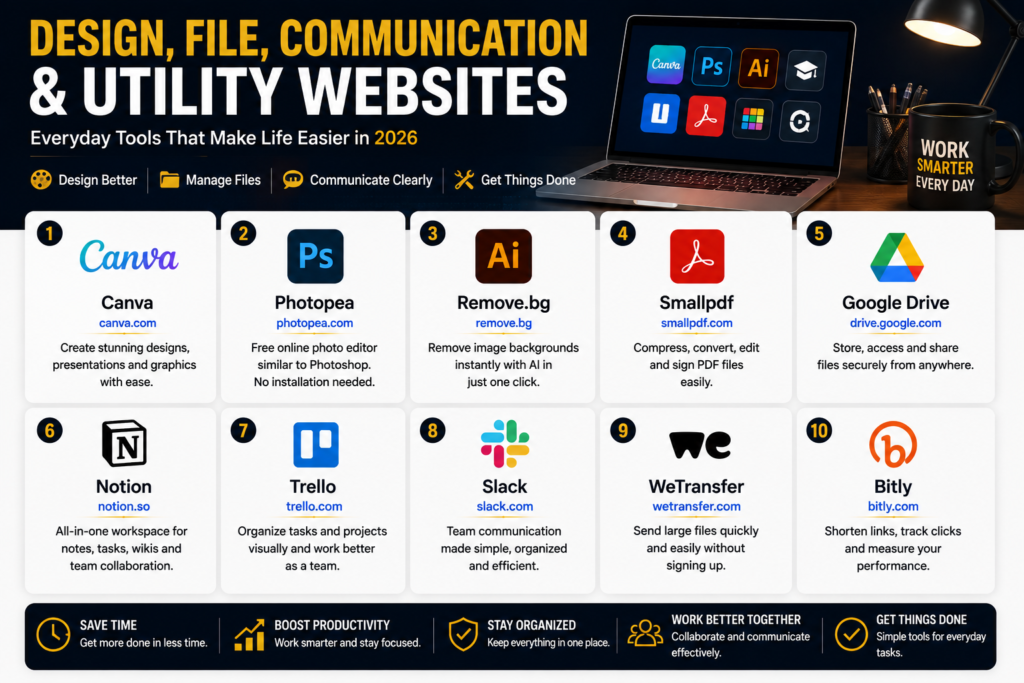
4. Canva
Best for: Social media graphics, presentations, posters, thumbnails and simple designs.
You don’t have to be a professional graphic designer to create attractive designs.
Canva provides templates and browser-based design tools for creating graphics for social media, websites, presentations and more.
Why bookmark it: One of the easiest design platforms for beginners.
5. Photopea
Best for: Editing images in your browser.
Photopea is useful for people who need Photoshop-style image editing without installing desktop software.
You can work with common image formats and perform many familiar editing tasks directly in a browser.
Why bookmark it: A powerful browser-based image editor.
6. Remove.bg
Best for: Removing image backgrounds.
Need to remove the background from a product photo, profile picture or graphic?
Remove.bg can automate much of the process.
Why bookmark it: Extremely useful for e-commerce, social media and basic graphic design.
PDF and Document Tools
7. Smallpdf
Best for: Working with PDF files.
PDF tasks can be frustrating when you don’t have the right software installed.
Smallpdf provides browser-based tools for tasks such as compressing, converting, merging and editing PDFs.
Why bookmark it: A useful emergency tool whenever you need to work with a PDF quickly.
8. iLovePDF
Best for: Everyday PDF tasks.
iLovePDF offers tools for merging, splitting, compressing and converting PDF documents.
Why bookmark it: A useful alternative when you need to perform a quick PDF task.
9. Google Docs
Best for: Creating and sharing documents online.
Google Docs allows you to create documents directly in your browser and collaborate with other people.
It’s particularly useful when several people need to work on the same document.
Why bookmark it: Your documents can be available across different devices.
Cloud Storage and File Sharing
10. Google Drive
Best for: Cloud storage and file management.
Google Drive is useful for storing documents, photos, spreadsheets and other files online.
It also works closely with Google Docs, Sheets and Slides.
Why bookmark it: It provides convenient access to your files across devices.

11. WeTransfer
Best for: Sending large files.
Email isn’t always the best way to send a large collection of photos or other files.
WeTransfer provides a simple way to send files without making the process unnecessarily complicated.
Why bookmark it: Very handy when someone needs to send you a large file.
Learning and Research
12. Khan Academy
Best for: Free learning and education.
Khan Academy offers educational resources covering subjects such as mathematics, science, economics and more.
Why bookmark it: An excellent resource for students and anyone who wants to refresh their knowledge.
13. Coursera
Best for: Online courses and professional learning.
Coursera offers courses and programs covering technology, business, data, marketing and many other subjects.
Some content is available through free options, while certificates and certain programs require payment.
Why bookmark it: Useful when you want structured learning rather than random tutorials.
14. Google Scholar
Best for: Academic research.
Google Scholar helps you search for scholarly literature, including research papers, theses, books and other academic material.
Why bookmark it: Much more useful than ordinary web search when you’re looking for academic sources.
Writing and Language Tools
15. Grammarly
Best for: Checking writing and grammar.
Whether you’re writing an email, article, proposal or social media post, Grammarly can help identify writing issues and suggest improvements.
Why bookmark it: Useful for anyone who writes regularly in English.
16. DeepL
Best for: Translation and language assistance.
DeepL is a popular translation service for people who need to communicate between languages.
It’s particularly useful when you want to compare a translation with another service.
Why bookmark it: Helpful for international communication and multilingual content.
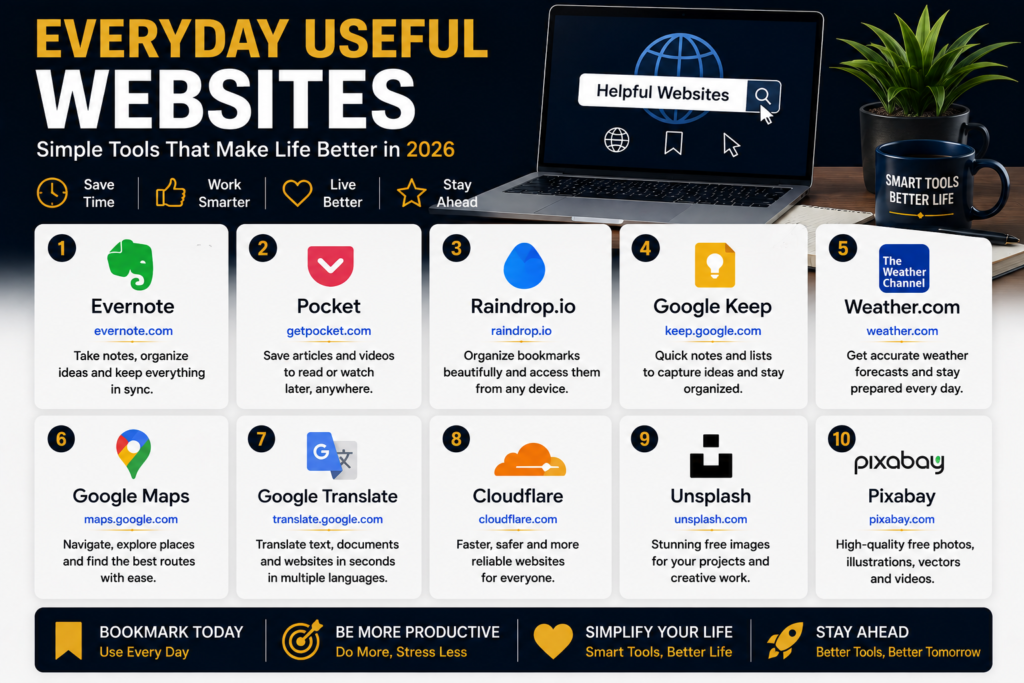
17. Google Translate
Best for: Quick translations.
Google Translate supports many languages and can translate words, sentences and webpages.
It isn’t perfect, but for everyday translation it can be extremely convenient.
Why bookmark it: One of those tools you may suddenly need while traveling or communicating internationally.
Productivity and Organization
18. Notion
Best for: Notes, planning, databases and project organization.
Notion combines several productivity functions in one platform.
You can use it for notes, project planning, documentation, task management and personal knowledge management.
Why bookmark it: Useful for keeping personal and professional information organized.
WordPress development and website building
19. Trello
Best for: Visual task management.
Trello uses boards, lists and cards to help you organize projects.
For example:
Ideas → In Progress → Review → Completed
Why bookmark it: Very easy to understand, even if you’ve never used project-management software before.
20. Todoist
Best for: Managing personal tasks and to-do lists.
Todoist is designed around task management and can help you organize daily responsibilities, projects and reminders.
Why bookmark it: A simple solution for people who want better control over their daily tasks.
Everyday Internet Tools
21. Google Lens
Best for: Searching and understanding things through images.
Google Lens can help identify objects, translate text from images, search for visually similar items and perform other image-based searches.
Why bookmark it: Sometimes showing a picture is easier than explaining what you’re looking for.
22. Speedtest
Best for: Checking internet speed.
If your internet suddenly feels slow, don’t immediately assume your internet provider is responsible.
Run a speed test first.
Speedtest by Ookla can measure aspects of your internet connection and help you understand whether you’re getting the performance you expect.
Why bookmark it: One of the first tools to use when troubleshooting an internet connection.
23. Internet Archive
Best for: Accessing archived webpages and digital resources.
The Internet Archive is a massive digital library and preservation project.
Its Wayback Machine can also help you view historical versions of webpages.
Why bookmark it: Sometimes the information you’re looking for has disappeared from the current web.
Security and Online Safety
24. VirusTotal
Best for: Checking files and URLs for potential threats.
If you receive a suspicious link or file and want another layer of checking, VirusTotal can provide useful information from multiple security engines.
It shouldn’t be treated as an absolute guarantee that something is safe, but it can be a useful precaution.
Why bookmark it: Helpful for cautious internet users.
25. Have I Been Pwned?
Best for: Checking whether an email address has appeared in known data breaches.
Have I Been Pwned allows you to check whether an email address has appeared in known breach datasets.
If your address appears, that doesn’t necessarily mean your current account has been compromised, but it is a good reason to review your passwords and security practices.
Why bookmark it: It can help you stay aware of potential exposure of your online accounts.
My 10 Must-Bookmark Websites
If you don’t want to bookmark all 25, start with these:
| Website | Best for |
|---|---|
| ChatGPT | AI and everyday assistance |
| Google Gemini | AI and research |
| Canva | Graphic design |
| Photopea | Image editing |
| Smallpdf | PDF tasks |
| Google Drive | Cloud storage |
| Google Scholar | Research |
| Google Translate | Translation |
| Google Lens | Visual search |
| Speedtest | Internet testing |
You can always add the others when you need them.
How to Get More Value From Useful Websites
Don’t bookmark hundreds of websites simply because they look interesting.
Instead, create a small collection of tools that you actually use.
For example, create browser bookmark folders such as:
AI Tools
ChatGPT, Gemini and Perplexity.
Work and Productivity
Notion, Trello and Todoist.
Design
Canva, Photopea and Remove.bg.
Documents
Smallpdf, iLovePDF and Google Docs.
Learning
Khan Academy, Coursera and Google Scholar.
This makes your bookmarks much easier to manage.
Also remember that “free” doesn’t always mean unlimited. Many popular websites use a freemium model, where basic features are available without payment while advanced features require a subscription.
Before uploading sensitive documents or personal information to an online service, check its privacy practices and make sure you’re comfortable with how your data is handled.
Frequently Asked Questions
What are the most useful websites in 2026?
There isn’t one universal answer. For general users, websites such as ChatGPT, Gemini, Canva, Google Drive, Google Translate, Google Lens, Smallpdf and Google Scholar can be particularly useful.
Are these websites free?
Many offer free access or free tiers, but some have paid plans or limits on certain features. Always check the current pricing and terms before relying on a particular service.
Which website is best for students?
Khan Academy, Google Scholar, Google Docs, Google Drive and Coursera can all be useful depending on what the student needs.
Which websites are useful for freelancers?
ChatGPT, Canva, Google Drive, Google Docs, Grammarly, Notion and Trello can be particularly useful for freelancers.
Should I bookmark all 25 websites?
Not necessarily. Bookmark the ones that solve problems you regularly encounter. A small collection of genuinely useful websites is better than hundreds of unused bookmarks.
Final Thoughts
The internet isn’t just a place for social media, entertainment and news.
There are thousands of websites that can save you time, help you learn, solve annoying problems and make everyday digital tasks easier.
You don’t need to use all 25 websites in this list. Start with the few that are relevant to you.
If you’re a student, explore the learning and research sites.
If you’re a freelancer, look at the productivity, design and AI tools.
If you’re a business owner, explore the design, document and communication tools.
And if you’re simply an everyday internet user, keep the PDF, translation, image and troubleshooting tools bookmarked.
The best website isn’t necessarily the most popular one.
It’s the one that solves your problem when you need it.
Which of these 25 websites are you going to bookmark first?